





English readme • 简体中文 readme • 正體中文 readme • Lengua española readme • Deutsche readme • Läs på svenska • 日本語 readme • 한국어 readme • Français readme • Schwizerdütsch readme • हिन्दी readme • Português brasileiro readme • Italian readme • Русский readme • Indonesian readme • فارسی readme • Türkçe readme • Polskie readme
Rich is a Python library for rich text and beautiful formatting in the terminal.
The Rich API makes it easy to add color and style to terminal output. Rich can also render pretty tables, progress bars, markdown, syntax highlighted source code, tracebacks, and more — out of the box.

For a video introduction to Rich see calmcode.io by @fishnets88.
See what people are saying about Rich.
Compatibility
Rich works with Linux, macOS and Windows. True color / emoji works with new Windows Terminal, classic terminal is limited to 16 colors. Rich requires Python 3.8 or later.
Rich works with Jupyter notebooks with no additional configuration required.
Installing
Install with pip or your favorite PyPI package manager.
python -m pip install richRun the following to test Rich output on your terminal:
python -m richRich Print
To effortlessly add rich output to your application, you can import the rich print method, which has the same signature as the builtin Python function. Try this:
from rich import print

print("Hello, [bold magenta]World[/bold magenta]!", ":vampire:", locals())
Rich REPL
Rich can be installed in the Python REPL, so that any data structures will be pretty printed and highlighted.
>>> from rich import pretty
>>> pretty.install()
Using the Console
For more control over rich terminal content, import and construct a Console object.
from rich.console import Console

console = Console()
The Console object has a print method which has an intentionally similar interface to the builtin print function. Here's an example of use:
console.print("Hello", "World!")As you might expect, this will print "Hello World!" to the terminal. Note that unlike the builtin print function, Rich will word-wrap your text to fit within the terminal width.
There are a few ways of adding color and style to your output. You can set a style for the entire output by adding a style keyword argument. Here's an example:
console.print("Hello", "World!", style="bold red")The output will be something like the following:

That's fine for styling a line of text at a time. For more finely grained styling, Rich renders a special markup which is similar in syntax to bbcode. Here's an example:
console.print("Where there is a [bold cyan]Will[/bold cyan] there [u]is[/u] a [i]way[/i].")
You can use a Console object to generate sophisticated output with minimal effort. See the Console API docs for details.
Rich Inspect
Rich has an inspect function which can produce a report on any Python object, such as class, instance, or builtin.
>>> my_list = ["foo", "bar"]
>>> from rich import inspect
>>> inspect(my_list, methods=True)
See the inspect docs for details.
Rich Library
Rich contains a number of builtin renderables you can use to create elegant output in your CLI and help you debug your code.
Click the following headings for details:
All Rich renderables make use of the Console Protocol, which you can also use to implement your own Rich content.
Rich CLI
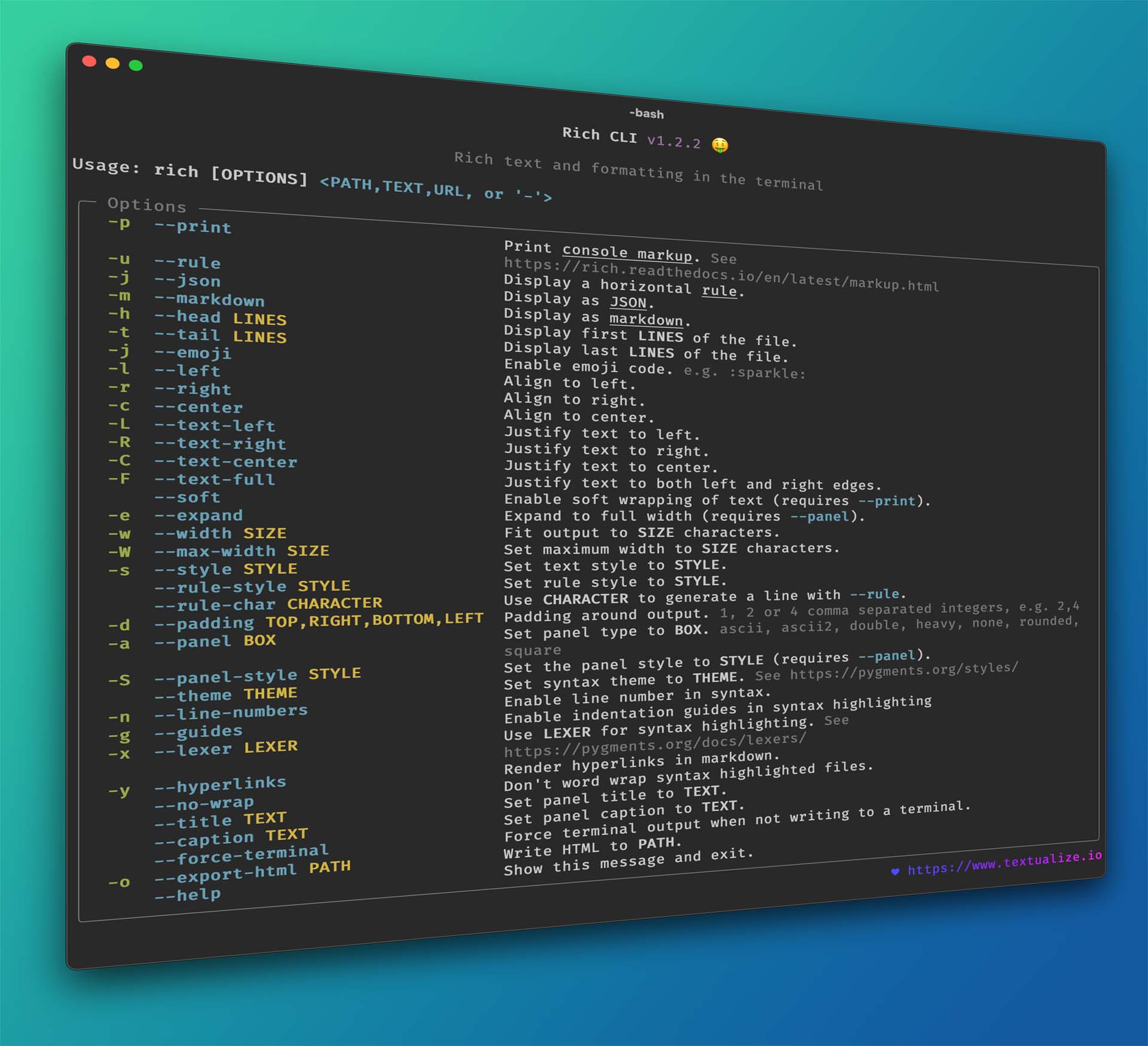
See also Rich CLI for a command line application powered by Rich. Syntax highlight code, render markdown, display CSVs in tables, and more, directly from the command prompt.
Textual
See also Rich's sister project, Textual, which you can use to build sophisticated User Interfaces in the terminal.
Toad
Toad is a unified interface for agentic coding. Built with Rich and Textual.